Shopify Address Autocomplete Picked the Wrong Address? Fix It Before It Ships
By Sam Hale, Order Change team · Updated
Order #1148. The customer typed "Oak St", tapped the first suggestion and paid.
The order ships to 123 Oak Street in Springfield, Oregon. They live on Oak Street in Portland.
When Shopify address autocomplete picks the wrong address, nothing looks broken. The street is real and so is the town, so checkout took it. A customer picked the wrong address from autocomplete, and the customer may be the only one who can tell.
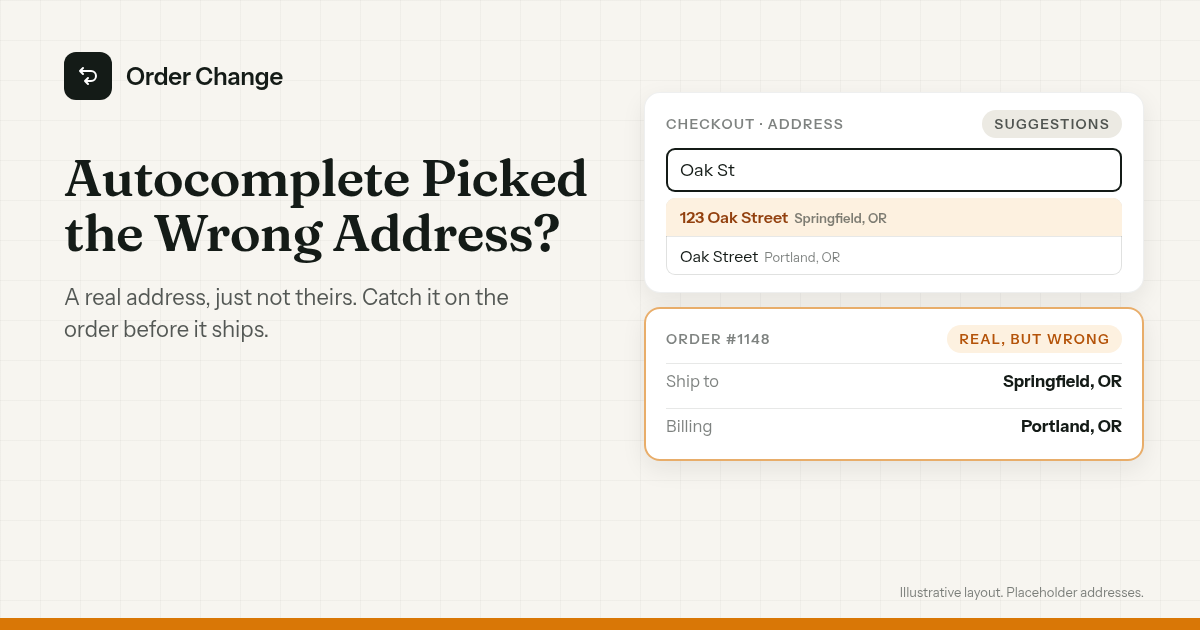
The short version. Shopify's autocomplete is on by default, and checkout checks look for addresses that don't work, so one that's real but wrong can get through. Catch it on the order and fix the address before you buy the label. Then decide whether autocomplete stays on for your store.
How Shopify's checkout address suggestions work
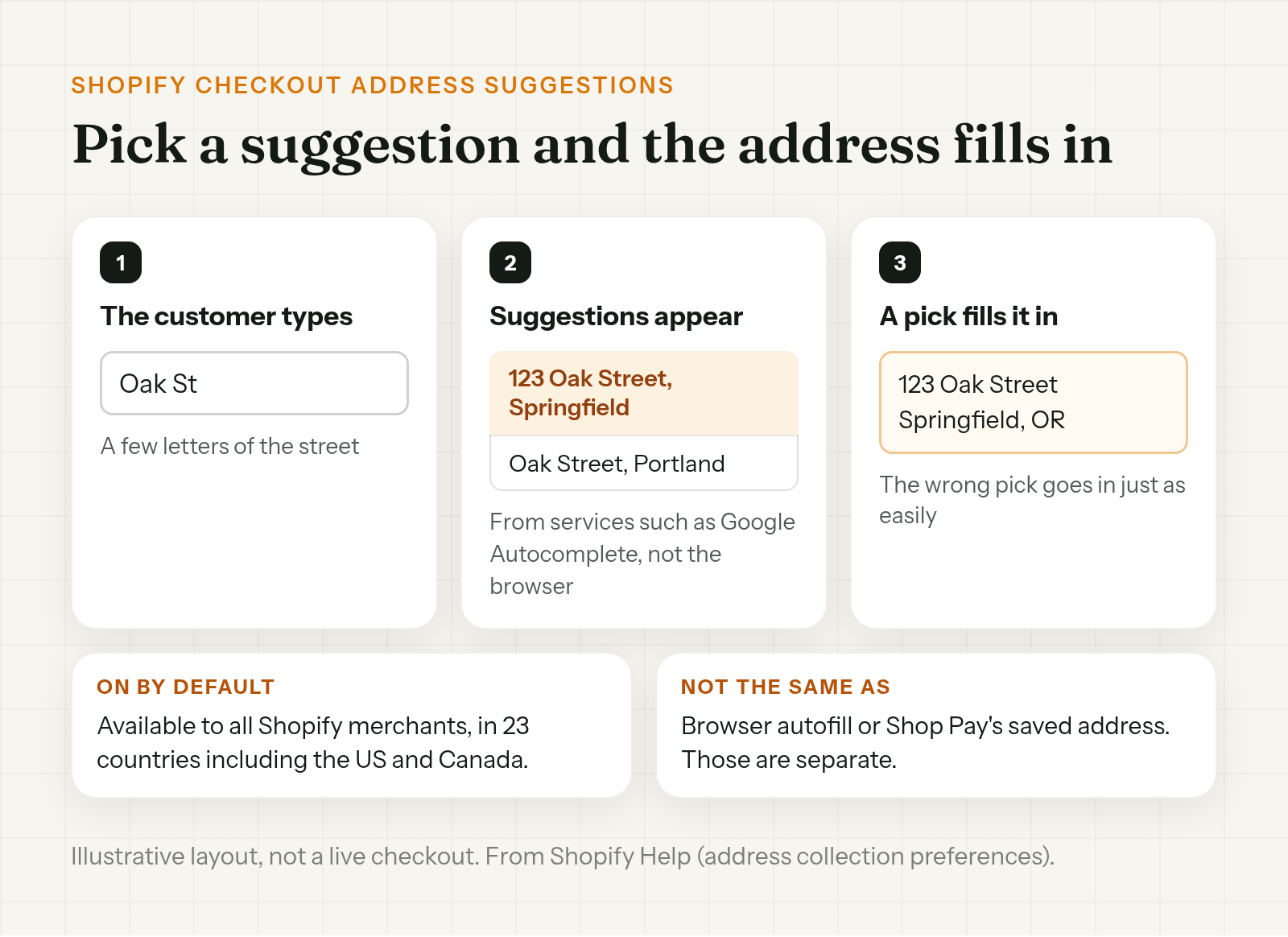
Shopify's checkout address suggestions are part of the address collection settings. Shopify says "When your customers enter their shipping or billing addresses, they can be presented with address suggestions."
- Where they come from. "These address suggestions come from services such as Google Autocomplete, not from your customer's browser."
- Who has it. "This feature is available to all Shopify merchants and is active by default." Shopify lists 23 countries for it, including the United States and Canada.
Shopify's pitch is that it "lets your customers enter their address information faster and more accurately."
A suggestion is a prediction. Google describes its autocomplete service as returning "place predictions" based on what's typed. When the customer picks one, it fills in the address. If they pick the wrong one, the wrong address goes in.
This isn't the same as the browser filling in a saved address, or Shop Pay using the last address on file. Those two are covered in Shopify gift order wrong address.
Why checkout didn't stop it
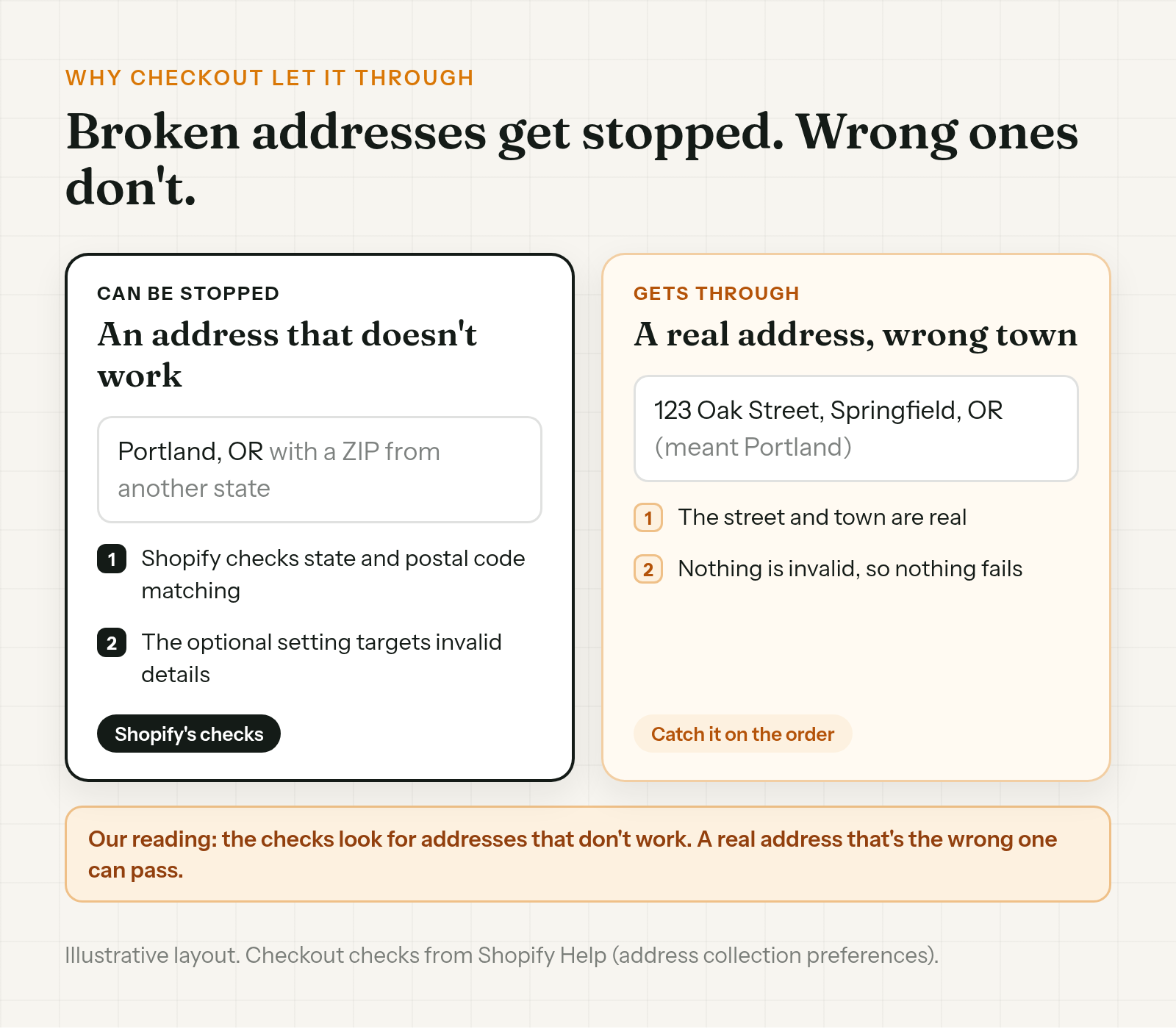
Shopify's checkout does check addresses. Checks "such as state or province and postal code matching" apply to all regions and "can't be deactivated unless the store is on the Shopify Plus plan." There's also an optional Validate shipping address setting, aimed at "invalid shipping address details", with suggestions "offered when there is high confidence in the address details the customer intended."
As we read it, these checks look for addresses that don't work, so a real address that's the wrong one can pass. If 123 Oak Street in Springfield exists, nothing about it looks broken. It's just not where the customer lives.
Spot a wrong pick before the label
You won't catch every one. A few signs are worth a look on new orders:
- The shipping town doesn't match the billing town. That can be fine, since people ship to work or to family. It's still worth a second look.
- A returning customer has a new address. Compare it with the address on their last order.
And read customer replies to the confirmation email before you print labels.
Shopify's address warning on the order flags addresses likely to cause "a delayed or failed delivery." A real address that's the wrong one may not trip it.
A missing apartment or unit number is a separate problem, covered in missing apartment number on a Shopify order.
Not sure? Shopify's own advice is to "contact the customer to confirm their address before fulfillment." Something like:
Hi Taylor, quick check before we ship order #1148. We have 123 Oak Street, Springfield, OR. Your billing address is in Portland, so we wanted to make sure the delivery address is right. Reply with the right one if it isn't and we'll fix it before it ships.
Fix the address before it ships
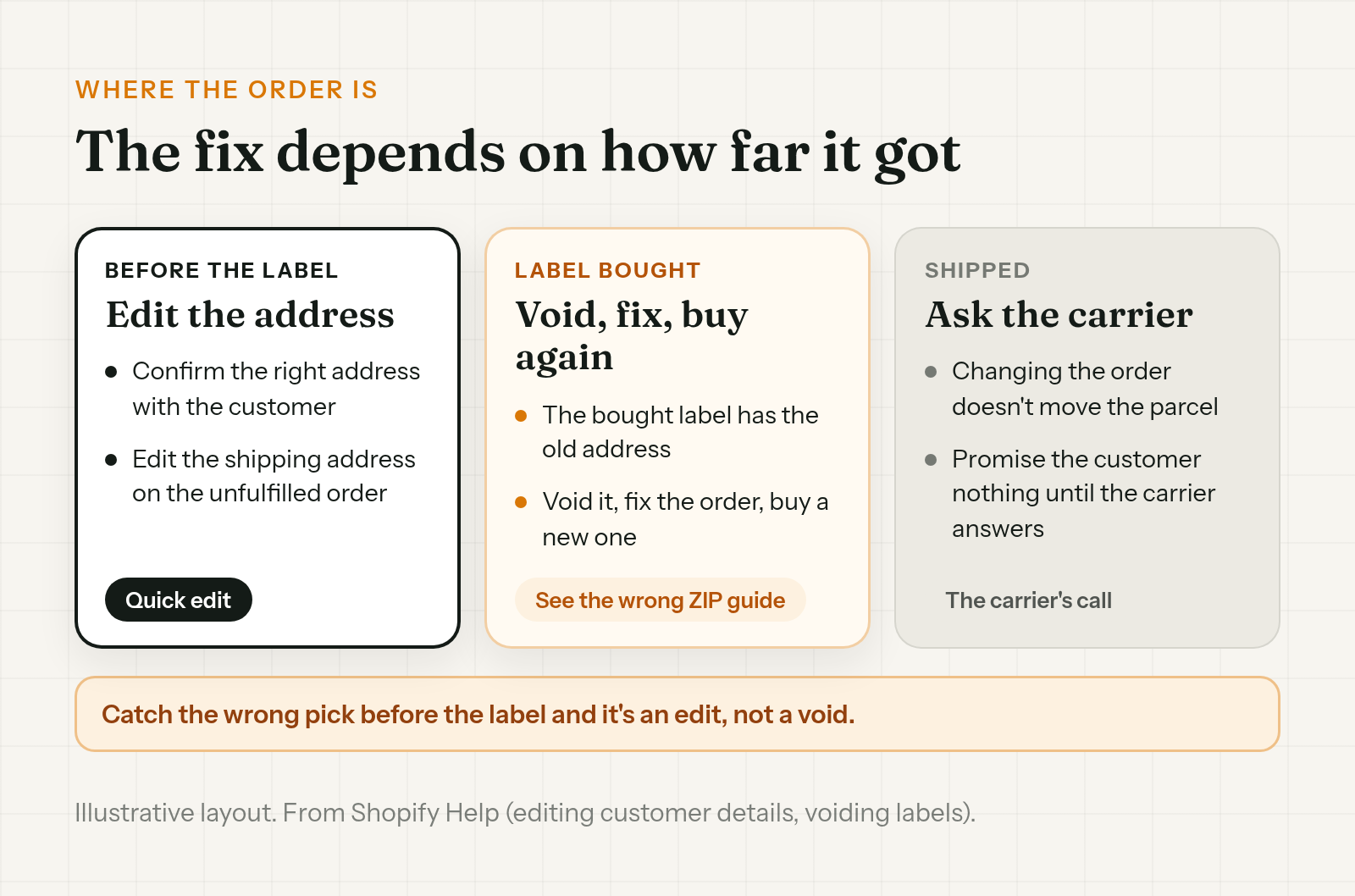
On an unfulfilled order, edit the shipping address in the Customer section of the order and save. The full steps are in how to change a shipping address on Shopify after an order.
If the ZIP is wrong too, or you've already bought the label, see what to do about a wrong ZIP code on a Shopify order for the ZIP checks and for voiding the label and buying a new one.
Once the parcel has shipped, changing the order doesn't move it. That's a question for the carrier.
How to turn off address autocomplete in Shopify
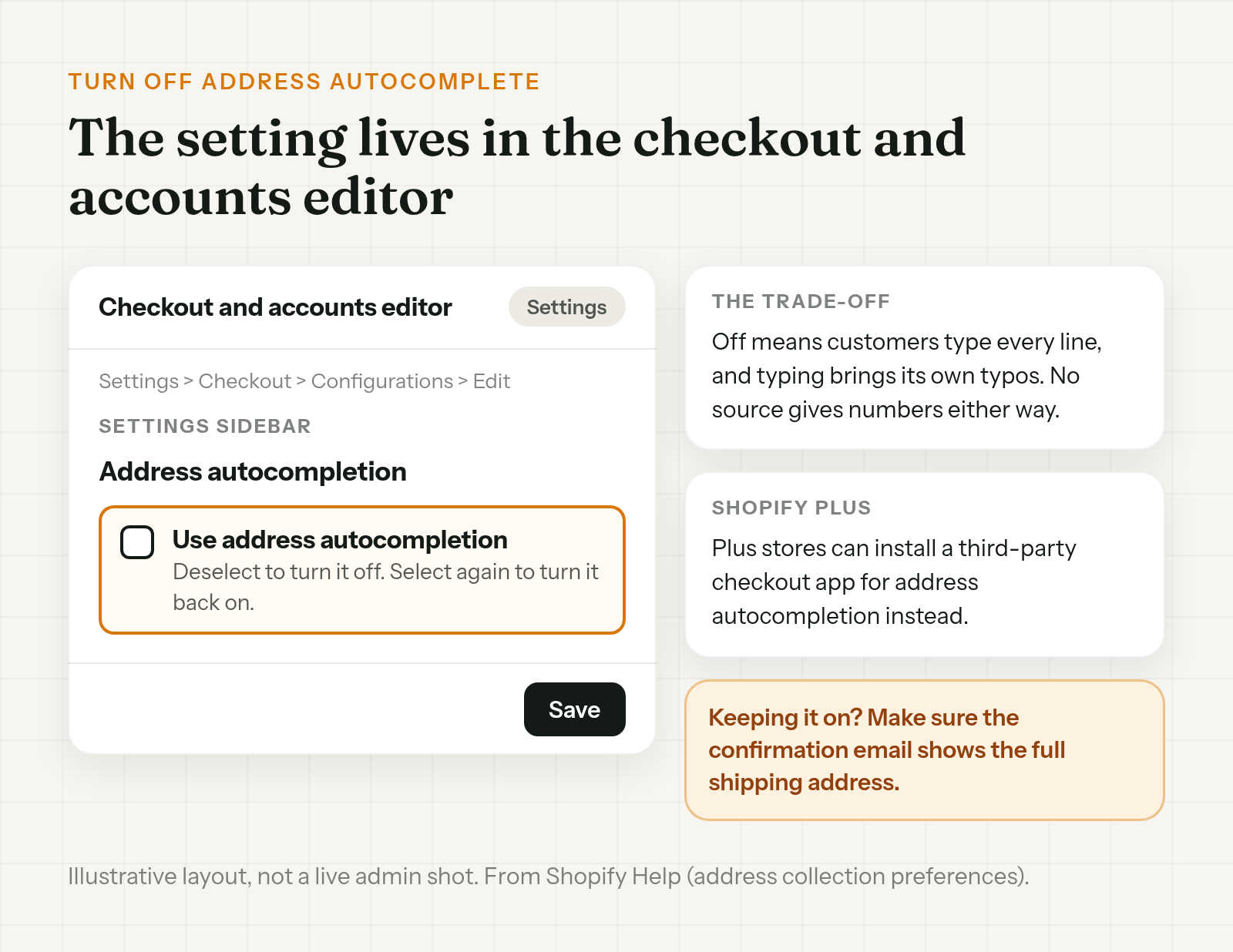
Shopify's address collection help page has the steps. In short: go to Settings, then Checkout, then Configurations, and edit the configuration to open the checkout and accounts editor. In the Settings sidebar, under Address autocompletion, deselect Use address autocompletion and save. Select it again to turn it back on.
Should you? Turning it off means customers type every line themselves, and typing brings its own typos. Shopify notes that stores on the Shopify Plus plan can install a third-party checkout app for address autocompletion instead of the default.
If you keep it on, make sure your order confirmation email shows the full shipping address, so the customer has a chance to read it.
Let the customer fix it right after checkout
Everything above is Shopify's settings or your team. This part is about the customer.
The shopper may be the first to see it, on the Thank You page or in the confirmation email. Order Change lets shoppers fix the delivery address themselves, within the store's edit window, before anything ships. Right after checkout they can do it on the Thank You page, with no login. If they spot it later in the confirmation email, they can fix it from the Order Status page, while the edit window is still open. The window is 60 minutes from when the order was placed by default, and you can change it. Edits stop once anything ships.
The optional fulfillment hold keeps the order from shipping until the edit window closes. It doesn't make the window any longer. The hold is off by default and only applies where the store turns it on.
It won't spot a wrong suggestion, so the customer has to notice. It doesn't update a label you've already bought, and it sends nothing to your 3PL. More at orderchange.com.
Check these either way
- The town on new orders. A real street in the wrong town is the miss autocomplete can make.
- Shipping against billing. A mismatch isn't proof, but it's a reason to look.
- Customer replies. Read them before the labels print.
- Your confirmation email. It should show the full shipping address.
FAQ
Can I turn off address autocomplete in Shopify checkout?
Yes. Go to Settings, then Checkout, then Configurations, and edit the configuration to open the checkout and accounts editor. In the Settings sidebar, under Address autocompletion, deselect Use address autocompletion and save.
Where do Shopify's address suggestions come from?
Shopify says they "come from services such as Google Autocomplete, not from your customer's browser."
Is address autocomplete on by default in Shopify?
Yes. Shopify says it's available to all Shopify merchants and active by default, in the countries it supports.
Why didn't Shopify catch the wrong address?
As we read it, Shopify's checkout checks look for addresses that don't work, such as a postal code that doesn't match the state. A real address that's the wrong one can pass.
Can I use a different autocomplete app?
Shopify says stores on the Shopify Plus plan can install a third-party checkout app for address autocompletion instead of the default.
My customer picked the wrong address from autocomplete. What should I do?
If it hasn't shipped, confirm the right address with the customer and edit the shipping address on the order before you buy the label. If the label's already bought, void it and buy a new one after the fix.
When Shopify address autocomplete picks the wrong address, checkout may not flag it, since the address is real. Catch it on the order and fix it before the label. Then decide whether autocomplete stays on.
For stores that want customers to fix their own delivery address within the store's edit window, see orderchange.com.
Related: missing apartment number
For a blank address line 2 and fixing it before the label prints, see Missing apartment number on a Shopify order.
Related: wrong ZIP code
For ZIP checks, Shopify's address warning and the label error, see Wrong ZIP code on a Shopify order? Fix it before it ships.
Related: change a shipping address
For the full edit, label void and 3PL steps, see How to change a shipping address on Shopify after an order.