·13 min read
Wrong ZIP Code on a Shopify Order? Fix It Before It Ships
Wrong ZIP code on a Shopify order? Spot the mismatch, clear Shopify's address warning, and fix the order before you buy the label or it ships.
Read articleNow live on the Shopify App Store
Shoppers fix a wrong address, edit items, add more, or cancel — before the warehouse ships. See how it looks on your store:
Order #1042
Your order is confirmed. You'll get shipping updates by email.
Need to change something?
Powered by Order Change — no email, no waiting
Order summary
Classic Tee
Ocean wash · M · × 1
$29.00
Canvas Tote
Natural · × 1
$24.00
Ships to
10 Elm Stret
Brooklyn, NY 11201
Built by Get Plus — the post-purchase platform behind


The inbox this replaces
“I put the wrong address.” “Can I cancel?” “I forgot my discount code.” Every one is a human answering an email about an order that hasn't even shipped yet.
Once in support time, and again in the failed delivery, the return postage, or the chargeback when the fix doesn't happen in time.
Shoppers correct their own orders in minutes, your team never sees a ticket, and the warehouse only ever ships the right version.
How it works
From the order confirmation page or email — no login, no support ticket, no waiting for a reply.
You set the edit window (say, 60 minutes) and which edit types are allowed. Shoppers can only do what you've enabled.
The order is held from your warehouse until the window closes, then syncs as normal — with the corrected details.
Steps are numbered because the order matters: nothing reaches your warehouse until the window closes. Every edit type is a merchant-side toggle.
What shoppers can fix
Shoppers correct typos, missing apartment numbers, and wrong cities themselves — with validation so the fix is actually deliverable.
Doing it by hand today? Read how to change a shipping address on Shopify after an order.
A shopper who cancels in 5 minutes is a refund. A shopper who emails support is a ticket, a chargeback risk, and a shipped parcel you pay to retrieve.
Orders are held from your warehouse or 3PL during the edit window, then released automatically. Edits can't race your pickers.
Wrong size, wrong color, forgot one — shoppers swap variants and adjust quantities without a refund-and-reorder round trip.
Need to drop one item manually? Read how to cancel a line item on Shopify without voiding the order.
Let shoppers pay to move to express after checkout. Post-purchase revenue instead of a “can you upgrade my shipping?” ticket.
“I forgot my code” is one of the most common tickets in commerce. Let shoppers apply it themselves within the window.
The confirmation page is your highest-intent surface. Offer add-ons that ship in the same box — extra revenue with zero extra ad spend.
A typo'd email means tracking updates vanish. Shoppers fix their own contact details so notifications actually arrive.
Your math, not ours
You won't find invented case-study numbers here. Slide your own figures instead.
80
tickets a month your shoppers handle themselves
11 hrs
of support time back
$267
in monthly support cost — before counting failed deliveries avoided
Every number above is yours to set — we don't pretend to know your store. Defaults are conservative placeholders, not industry claims.
Pricing
Caps count store orders each month, not edits. Address corrections, contact edits, and cancellations are free up to 1,000 orders. Pro is $49 a month up to 5,000. Above that, or for custom work, Enterprise is a conversation.
Free
$0
per month
Up to 1,000 orders a month
Pro
$49
per month
Up to 5,000 orders a month
Enterprise
Custom
Talk to us
Above 5,000 orders a month, or custom work
A store that goes over its monthly order cap gets a one-month grace period and an upgrade prompt. Editing stays available through that month.
FAQ
The opposite — that's the point. Orders are held from fulfillment during the edit window you configure, then released automatically. Your warehouse only ever sees the final version of the order. If you don't want holds, you can run edits without them and we'll only hold when an edit is mid-flight.
Address corrections, contact info updates (email/phone), order cancellation, and invoice edits are free for up to 1,000 store orders a month. Line item edits, shipping upgrades, discount codes, and one-click upsells are on Pro at $49 a month, up to 5,000 orders, and on Enterprise. Stores above 5,000 orders a month, or anyone who needs custom work, use Enterprise.
Store orders each month, not the number of edits. Free covers up to 1,000 orders a month and Pro covers up to 5,000. A store that goes over its cap gets a one-month grace period and an upgrade prompt, and editing stays available through that month. Above 5,000 orders a month, talk to us about Enterprise.
Order Change is live on the Shopify App Store. Click any "Install" button on this page, or search for "Order Change" in your Shopify admin. Installation takes about 2 minutes — you'll configure your edit window and which edit types to enable, then you're live.
Order Change is built by Get Plus, the post-purchase platform (package protection, returns & exchanges, warranties) used by Shopify brands today. This isn't a weekend project — it's the order-editing layer of an existing commerce platform, shipped as its own app.
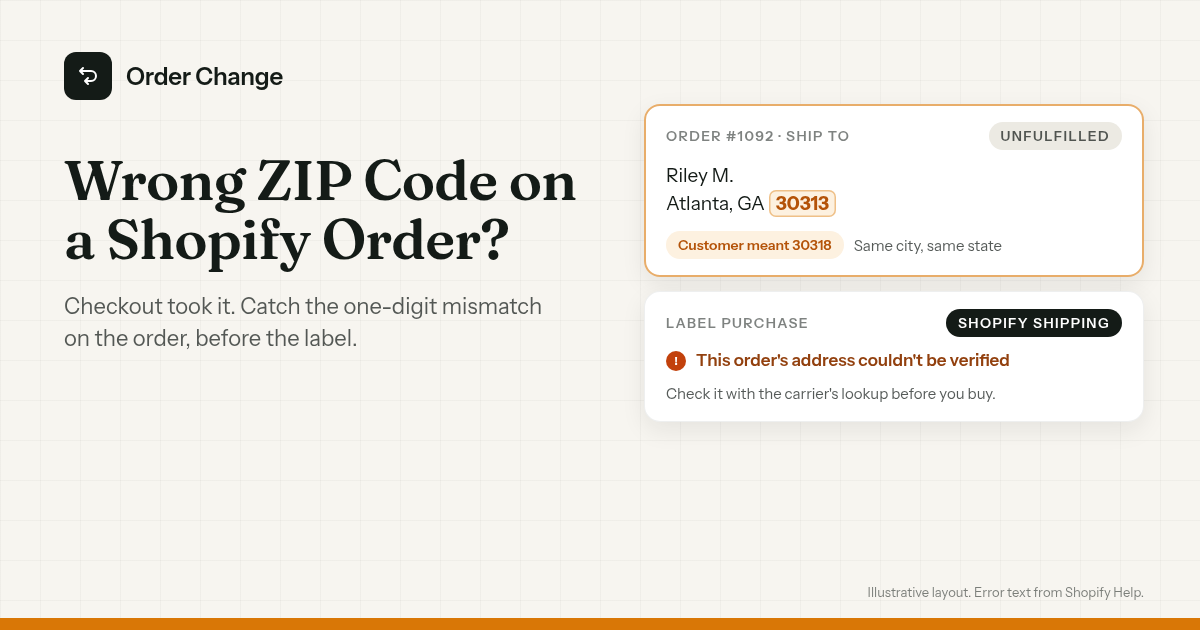
Wrong ZIP code on a Shopify order? Spot the mismatch, clear Shopify's address warning, and fix the order before you buy the label or it ships.
Read article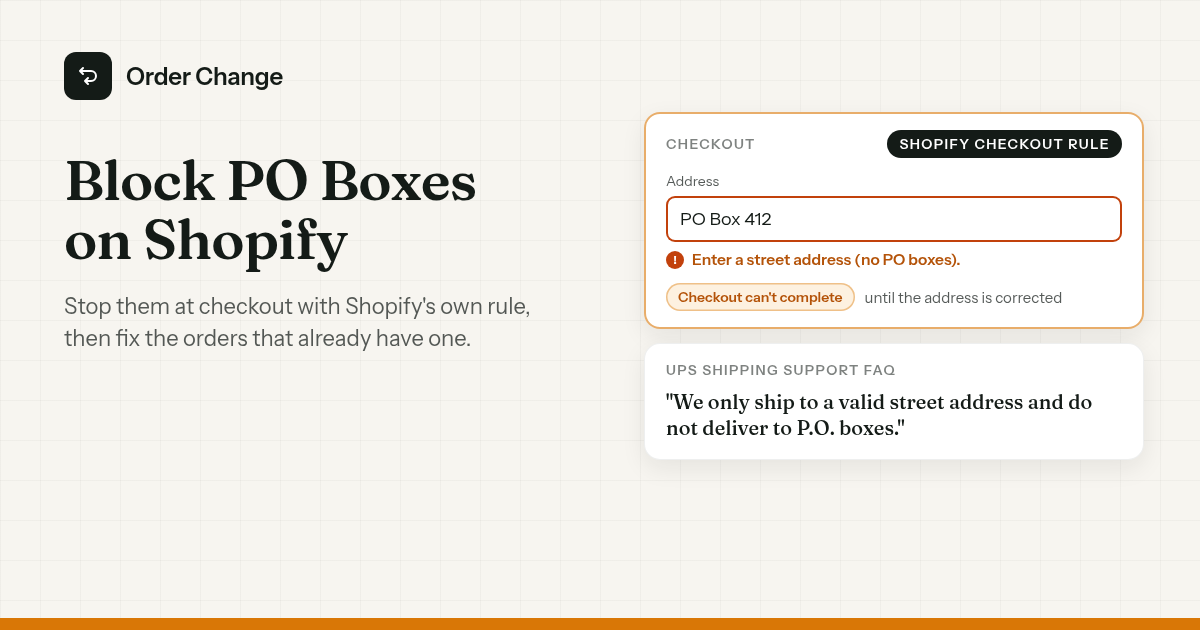
Block PO boxes at Shopify checkout with the built-in address rule, and fix orders that already have one before you try to buy a UPS or DHL label.
Read article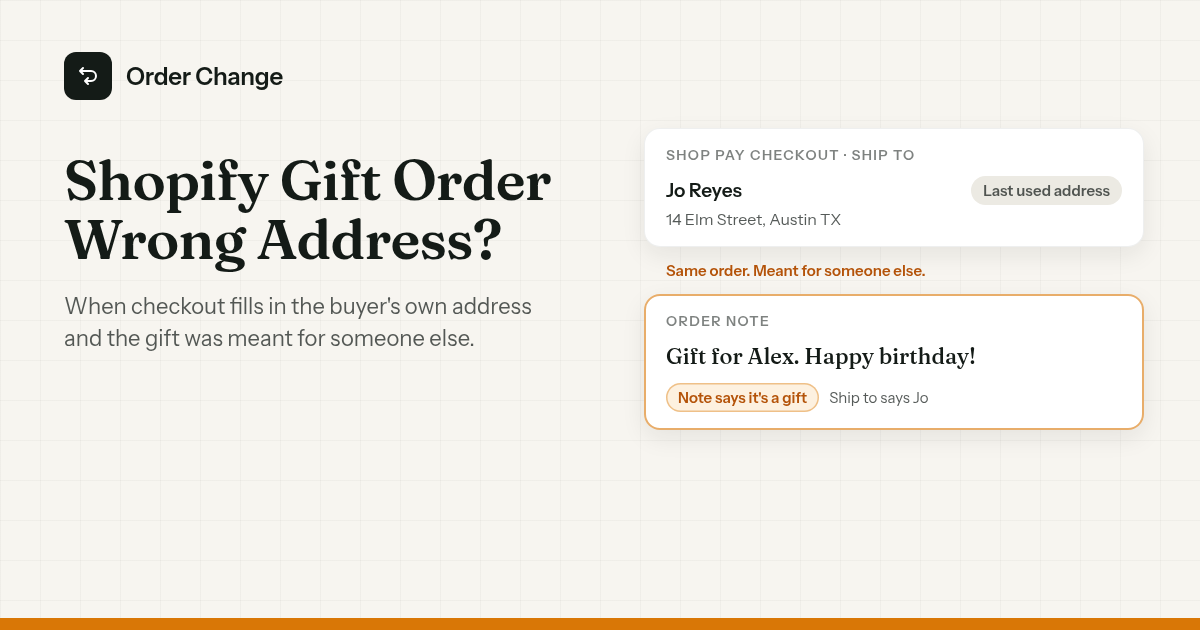
Shopify gift order wrong address? Shop Pay can fill in the buyer's last used address. Fix it before it ships, then set up checkout for the next gift.
Read articleLive on the Shopify App Store
Ready to stop shipping orders your customers already regret? Install takes 2 minutes — configure your edit window, enable the edit types you want, and go live.